Download Instagram videos as MP4 in HD
Paste the link and download videos from posts and Reels. In HD and without a watermark.
Loading video...
How to download Instagram videos
Three steps – this is what it looks like on your phone
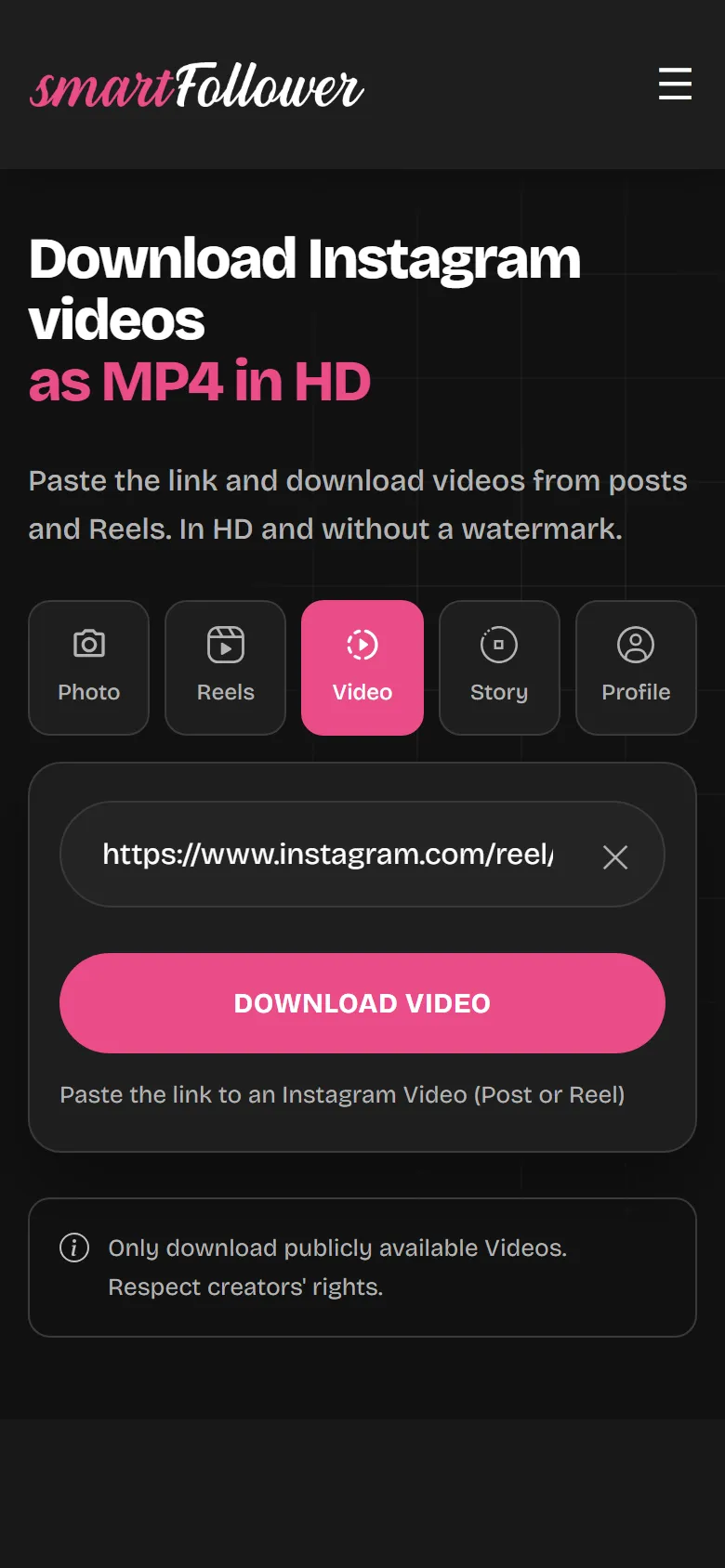
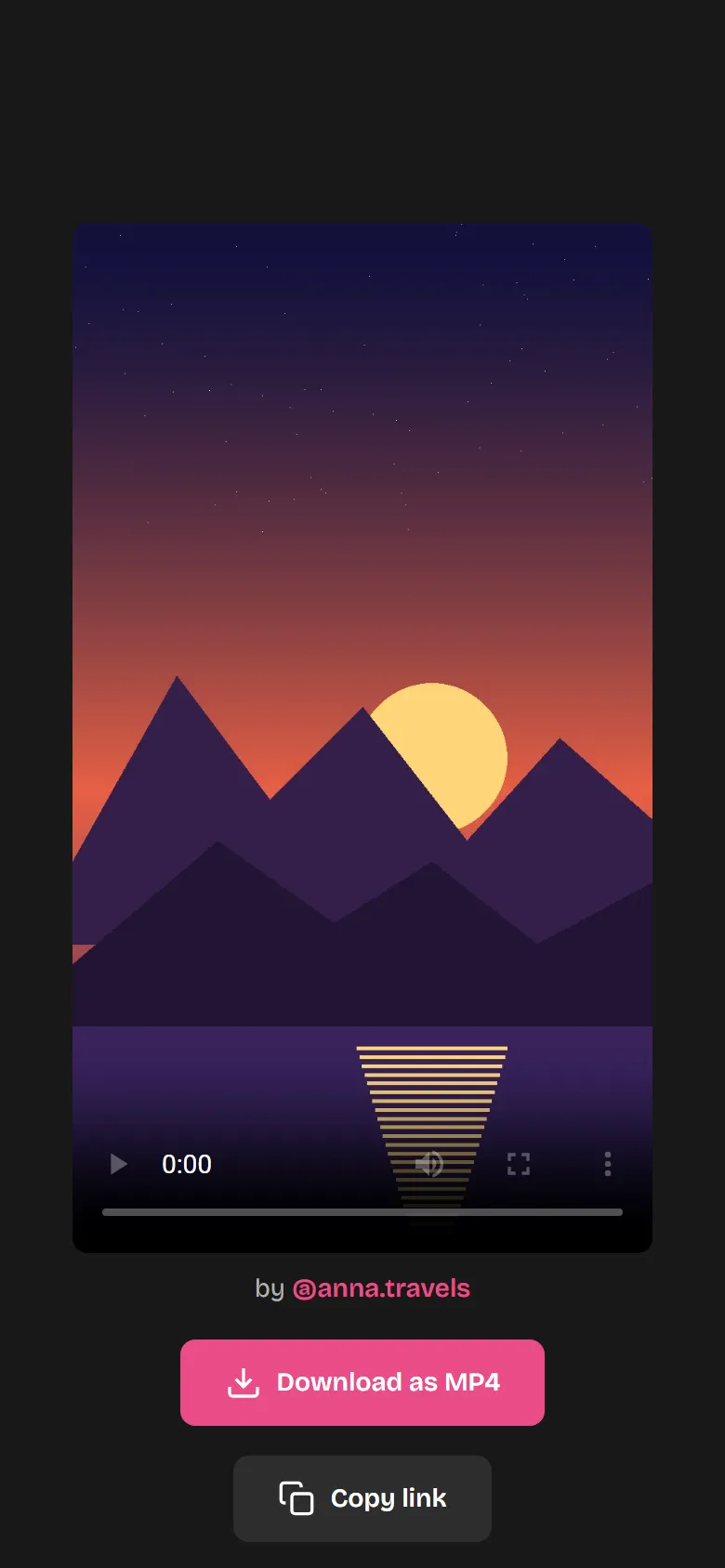
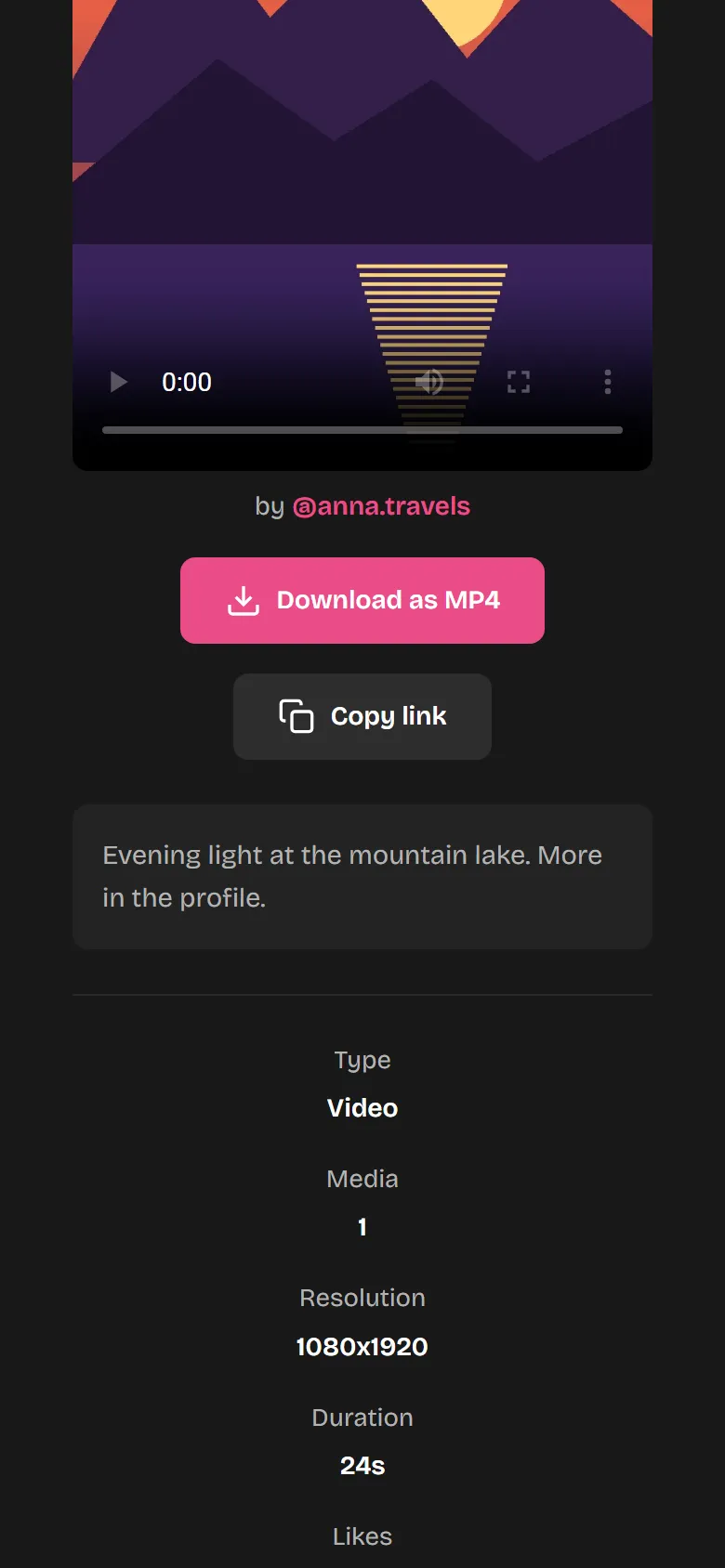
Features of the Video Downloader
Posts and Reels
Videos from carousels too.
Up to Full HD
Up to 1080p, depending on the original.
No watermark
Just as it was uploaded.
MP4
Plays on iPhone, Android, Windows and Mac.
No app needed
Runs in any browser.
Free
No sign-up and no subscription. Up to 20 downloads an hour.
Where does the file end up?
In a different place, depending on your device.
iPhone
In Safari, under “Downloads” in the Files app. From there, use “Share” to save it to your Photos.
Android
In the “Downloads” folder. Usually the gallery shows the video right away as well.
PC and Mac
In your browser's download folder.
Not working?
- Error message after pastingCheck that you copied the whole link to the post or Reel.
- The profile is privateVideos from private profiles can't be downloaded.
- No soundPlay the file in a different player. On iPhone, saving it to your Photos helps.
- The video is goneIf it was deleted, it can no longer be downloaded.
Download Instagram videos – simple, free and in HD
Save Instagram videos in HD
With the smartfollower Instagram Video Downloader you download any public video straight to your device as an MP4 file. Whether short clips or longer videos – you always get the highest available quality, up to Full HD 1080p. No loss of quality, no compression.
Video to MP4 – the universal format
The MP4 format is the worldwide standard for videos. It offers the perfect balance between video quality and file size and is compatible with all devices – from the iPhone and Android smartphones to Windows PCs and Macs. Our Video to MP4 conversion makes sure you can play your downloaded videos everywhere.
Download posts and reels
Our Video Downloader supports all kinds of Instagram videos: classic video posts in the feed, short reels and even videos from carousel posts. The downloader automatically detects the video type and provides the download without a watermark – in the best possible quality.
Who is the Video Downloader for?
The Video Downloader is for anyone who wants to save Instagram videos hassle-free – whether for a personal collection, as inspiration or to watch favourite reels offline. The tool is permanently free, requires no registration and works on all devices with an internet connection. We store no user data and all downloads stay private.
Frequently asked questions about the Video Downloader
Which Instagram videos can I download?
You can download all publicly available Instagram videos: reels, regular video posts and videos from carousel posts. As long as the profile is public, the download works.
In what quality and resolution are videos saved?
Our Video Downloader saves videos in the highest available quality – depending on the original, up to Full HD (1080p). You always get the best possible resolution that Instagram provides.
Why are videos downloaded in MP4 format?
MP4 is the most universal video format and is supported by all devices, browsers and video players. Whether iPhone, Android, Windows or Mac – MP4 videos play everywhere without any trouble and offer the best balance between quality and file size.
Is the video download really free?
Yes, our Instagram Video Downloader is 100% free. You can download an unlimited number of videos as MP4 – without signing up, without registration and with no hidden costs.
Can I download videos from private accounts?
No, the Video Downloader only works with public Instagram profiles. Videos from private accounts are protected and cannot be downloaded.
What is the difference between posts and reels?
Video posts are classic posts in the Instagram feed, while reels are short, vertical videos. Our downloader automatically detects which type it is and downloads the video as MP4 either way.
Are videos downloaded with a watermark?
No. Our MP4 downloads are completely watermark-free. You get the video exactly as it was originally uploaded to Instagram – with no extra markings.
Does the Video Downloader work on mobile?
Yes, the Video Downloader works on all devices with a browser – iPhone, Android, tablet, laptop and desktop. Just open smartfollower.com, paste the link and download the video as MP4.
Discover even more Instagram tools!
The Video Downloader is only the beginning – try out our profile picture zoom, Story Viewer, Reel Downloader and our premium tools as well!
Discover all tools now