Instagram Photo Downloader save posts, photos & videos in HD
Paste a link and save photos, videos or whole carousels in HD.
Loading post...
How to download Instagram photos
Three steps – this is what it looks like on your phone
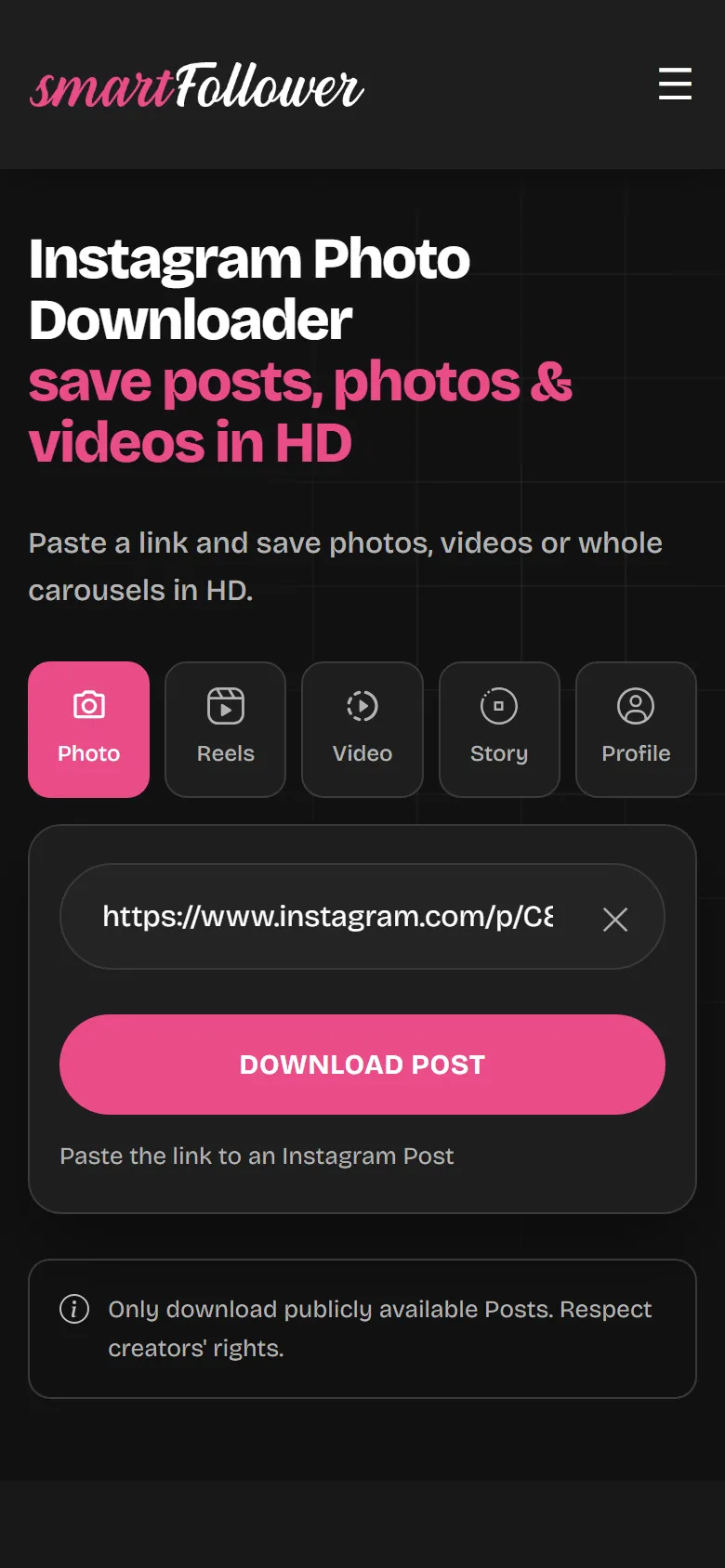
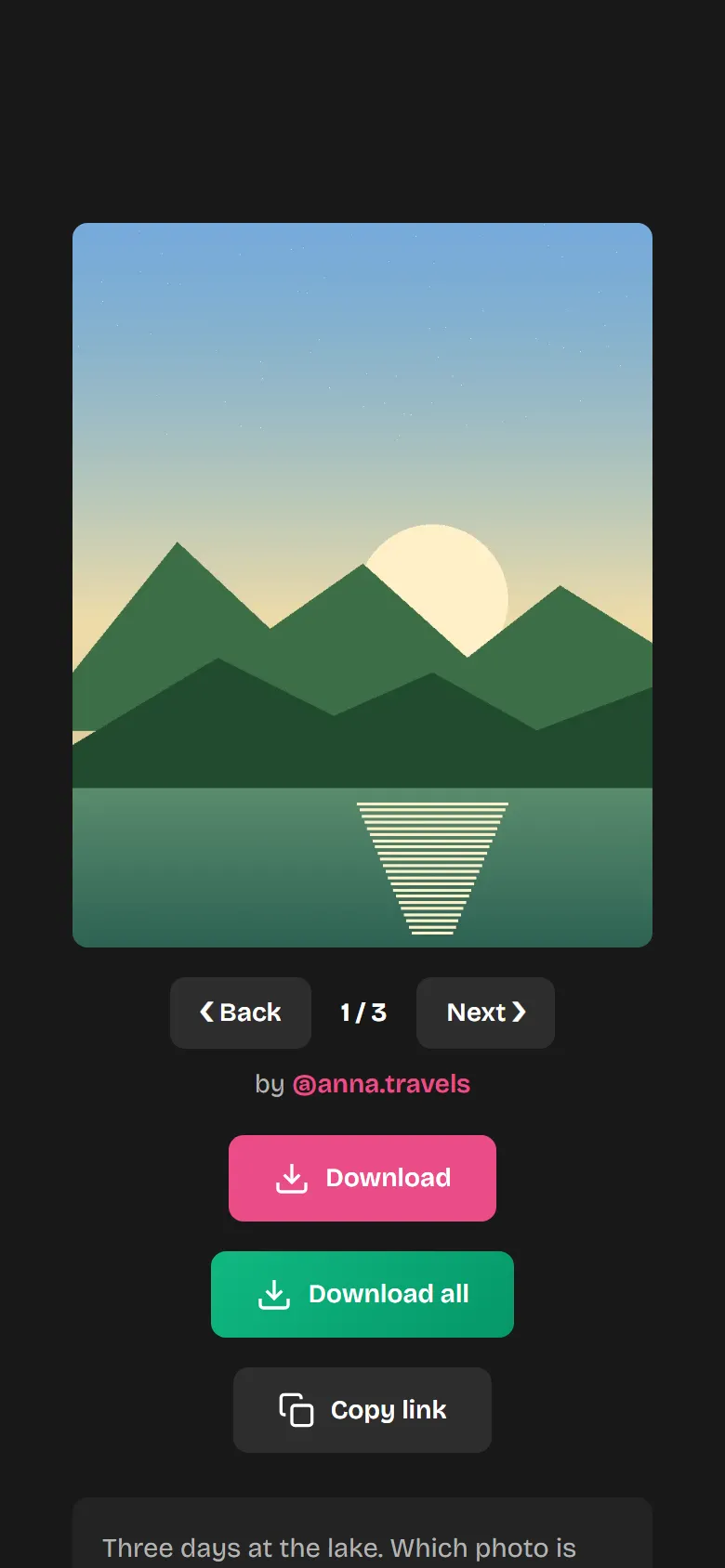
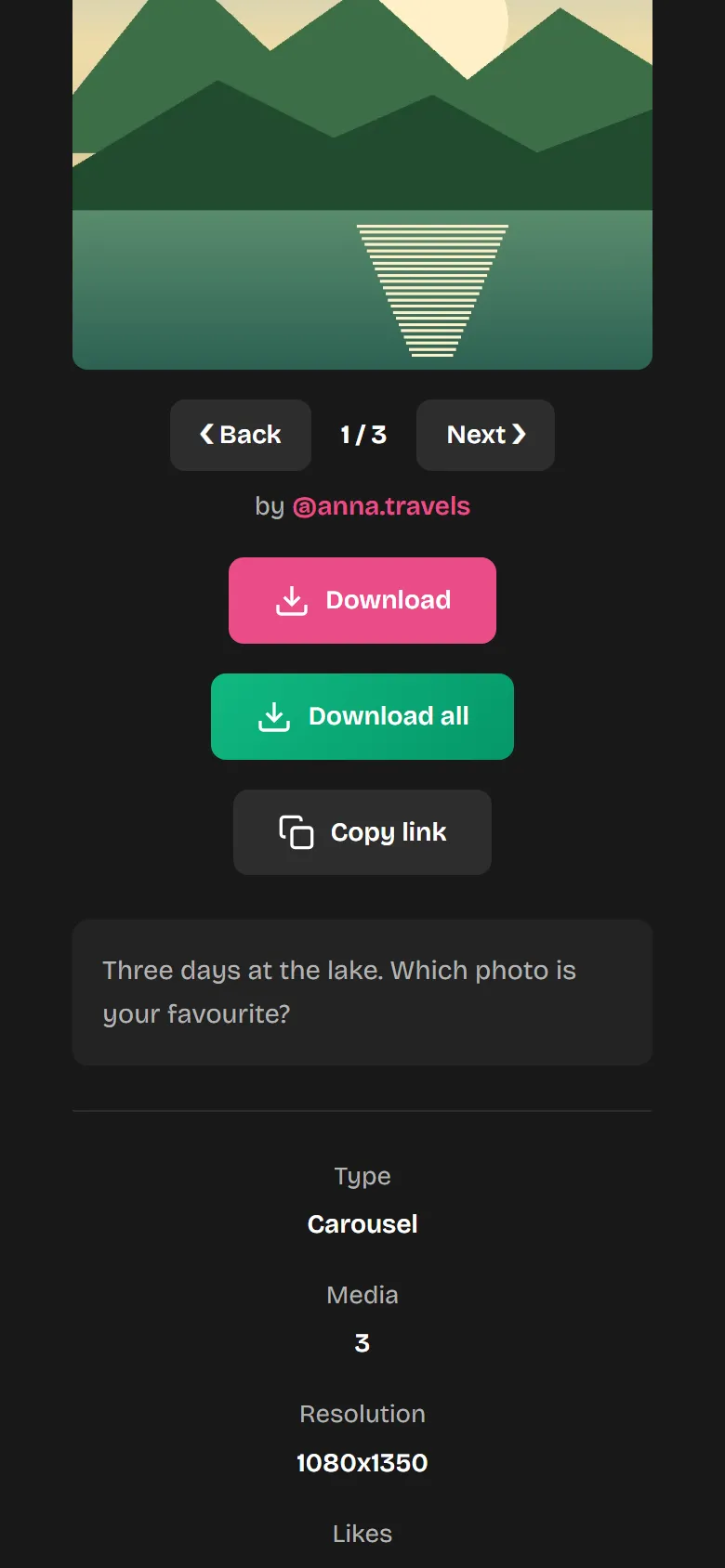
Features of the Post Downloader
Photos and videos
Photos as JPG, videos as MP4.
Whole carousels
All the photos and videos in a post.
HD
Just as they were uploaded.
Anonymous
The person doesn't get a notification.
No app
Works in any browser.
Free
No sign-up and no subscription. Up to 20 downloads an hour.
Where does the file end up?
It depends on your device.
iPhone
In Safari, under “Downloads” in the Files app. From there, use “Share” to save it to your Photos.
Android
In the “Downloads” folder. Usually your gallery shows the image right away too.
PC and Mac
In your browser's download folder.
Not working?
- Error message after pastingCheck that you copied the whole link. It starts with instagram.com/p/.
- The profile is privatePosts from private profiles can't be downloaded.
- Only one image instead of all of themWith carousels, choose “Download all” or scroll through the preview.
- The post is goneIf it was deleted, it can no longer be downloaded.
Why not just take a screenshot?
Instagram has no button for saving photos from other people's posts. A screenshot is smaller than the original and picks up borders and icons too. Here you get the original file.
Only use downloaded content privately. Anyone who re-uploads it needs permission from the person who made it.
Download Instagram posts – simple, free and anonymous
Download Instagram posts in HD
Instagram doesn't offer any built-in feature to download posts directly. The Post Downloader from smartfollower solves this problem: simply copy the link to the post you want, paste it and download photos in full HD resolution. The quality matches the original exactly – with no compression or loss of quality.
Save entire carousel posts
Many Instagram posts contain several photos or videos in what's called a carousel. Our Post Downloader automatically detects all the media in the carousel and shows them to you one by one. You can scroll through the content and download each item individually – or save them all at once with a single click. Especially handy when you want to keep a whole photo series.
Download video posts as MP4
Video posts are saved in the universal MP4 format, so they play on all devices and in all common media players. Our system automatically detects the highest available video quality and makes it ready for you to download – without a watermark and without loss of quality.
Who is the Post Downloader for?
The Post Downloader is for everyone who wants to save Instagram content the easy way – whether for a personal collection, for inspiration or as reference material. The tool is permanently free, requires no registration and works on any device with an internet connection. We store no user data, and all downloads stay anonymous.
More on this in the blog: Single photos, whole carousels and profile pictures in original quality
Frequently asked questions
Which posts can I download?
You can download all publicly accessible Instagram posts – single photos, videos and carousel posts with multiple media. Posts from private accounts are not available.
Can I download an entire carousel post?
Yes! With carousel posts the downloader shows you every photo and video they contain. You can scroll through them and download them one by one or all at once.
In what quality are the media downloaded?
We always download posts in the highest available quality – exactly the way they were originally uploaded to Instagram. Photos are saved as JPG, videos as MP4.
Is the Post Downloader really free?
Yes, the Post Downloader is completely free. There are no hidden costs, no subscriptions and no limits on the number of downloads.
Is the download anonymous? Does the creator find out?
Yes, the download is completely anonymous. The creator of the post doesn't get any notification and won't know that you downloaded the content. We don't store any user data.
How do I find the link to an Instagram post?
Open the post you want in the Instagram app, tap the three dots in the top right and choose “Copy link”. On a computer you can alternatively open the post in your browser and copy the URL directly from the address bar.
Discover even more Instagram tools!
The Post Downloader is just the beginning – try our Profile Picture Zoom, Story Viewer, Reel Downloader and our premium tools now too!
Discover all tools now