Instagram Profile Picture Viewer enlarge & download any IG PFP / DP in full size HD with InstaZoom
Enter a username, see the profile picture in full size and save it in HD. Free, no ads and anonymous.

@
What is InstaZoom?
Probably the easiest tool to view Instagram profile pictures in full size and save them in HD.
Finally see what's really on that profile picture
Sound familiar? You want a closer look at a profile picture – maybe there's something written on it, or you just want to be sure it's the right profile. But Instagram only shows the image as a tiny circle, and the app simply has no zoom feature.
That's exactly what InstaZoom is for (many people also search for Insta Zoom, InstaZoomer or Instagram DP): enter a username and, seconds later, the profile picture appears in full size – crisp and sharp instead of pixelated. If you like, you can download it straight away in HD quality. No app, no sign-up, and no clicking through pop-ups first.
- View the profile picture in full size & save it as an HD image
- No ads, no pop-ups, no redirects
- Works on private accounts too – the profile picture is always public
- Bonus: watch stories anonymously, save reels & videos
How to enlarge an Instagram profile picture
Three steps – this is what it looks like on your phone
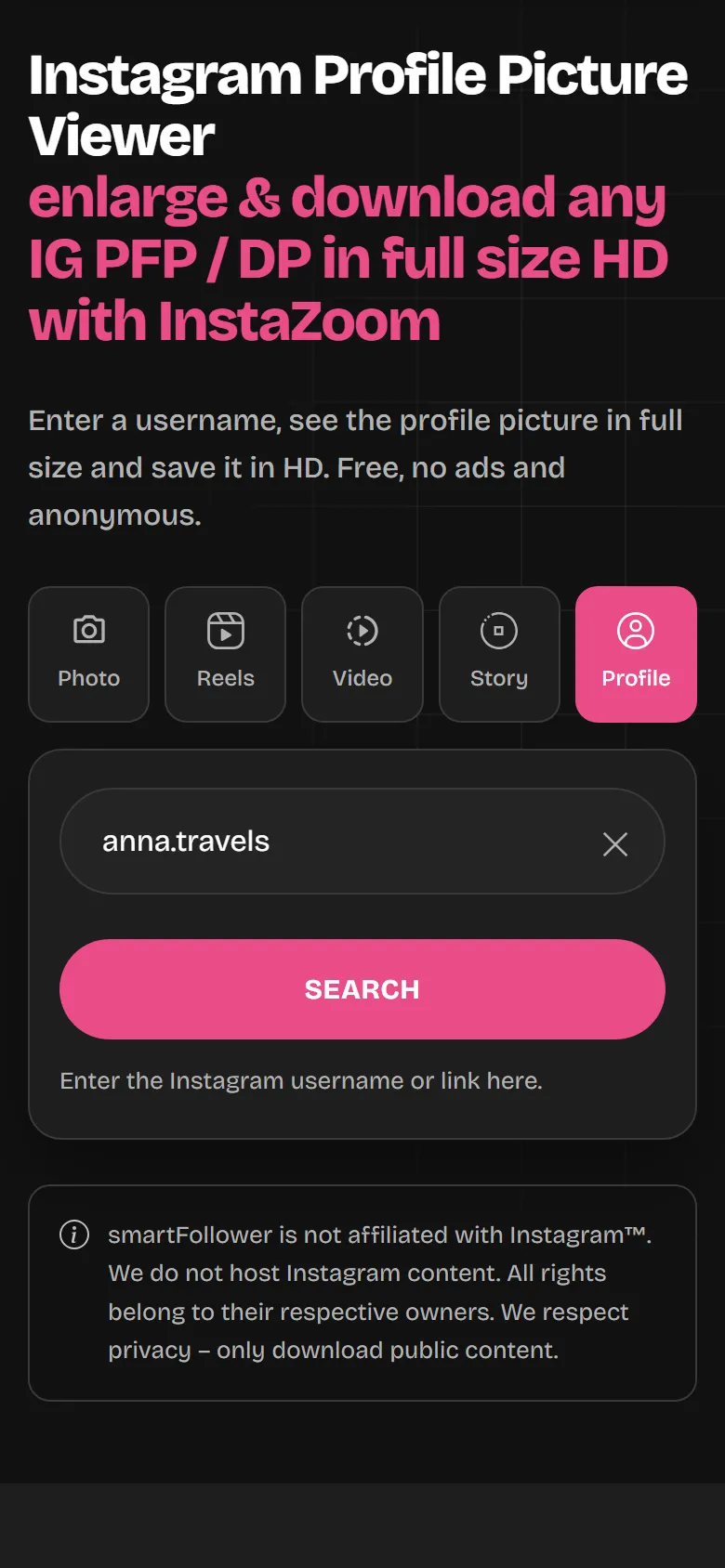
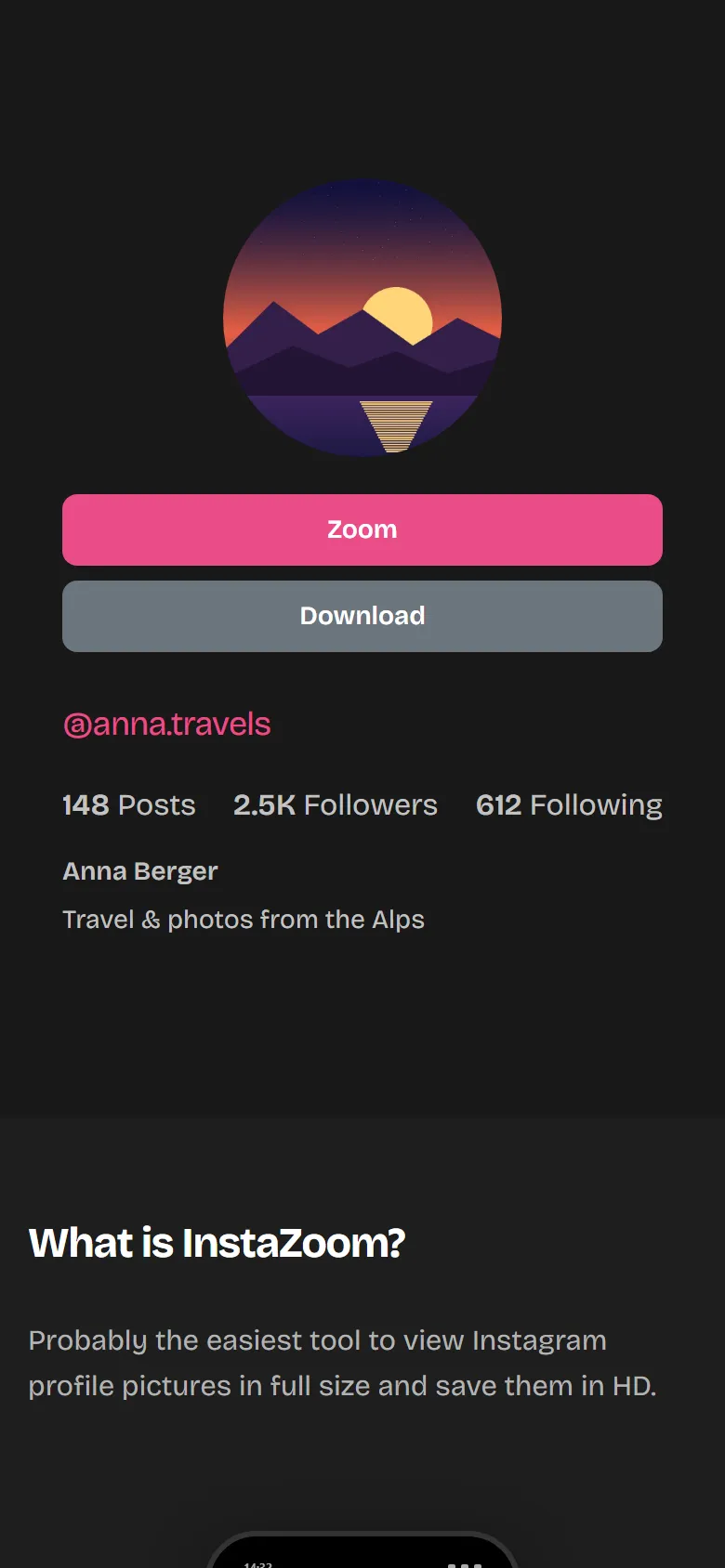
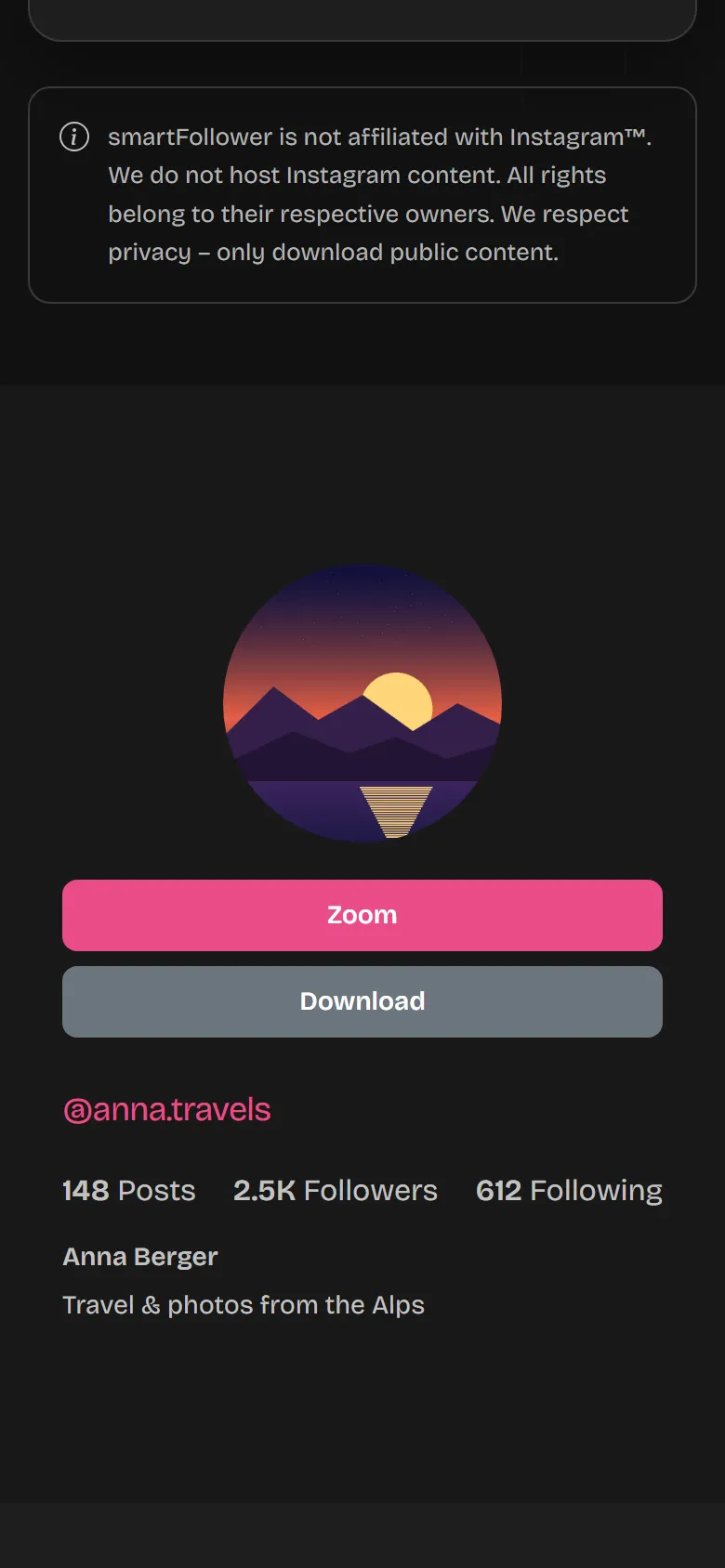
Everything you can do with InstaZoom
Full size
You see the whole picture instead of the small preview.
HD download
Usually 1080 × 1080 pixels, as a JPG.
Ad-free – no pop-ups
No pop-ups, no redirects.
Anonymous
Nobody gets a notification.
Private profiles too
On Instagram, the profile picture is always public.
No app needed
Runs in any browser, on your phone too.
Why InstaZoom instead of the other tools?
There are plenty of Instagram tools – here's the difference
Ad-free & clean
No pop-ups, no redirects, no disguised buttons – that's a clear promise. We fund ourselves through our premium tools, so there's no room for ads here.
Maximum image quality
You get profile pictures and content in the highest available resolution – exactly as they were uploaded. No comparison to blurry screenshots.
Fast & easy
No technical know-how needed: paste a username, click the button – the profile picture is there in full size within seconds.
What people use InstaZoom for
Spot fake profiles
A blurry or stolen picture is much easier to spot at full size.
Check your own picture
Does your profile picture still look good at full size?
Keep a picture
Save it for yourself before the person changes it.
InstaZoom or the Instagram app?
Instagram only shows profile pictures as a small circle.
| InstaZoom | Instagram app | |
|---|---|---|
| Profile picture size | usually 1080 × 1080 pixels | around 320 × 320 pixels |
| Save as a file | yes, as a JPG | no |
| Private profiles | full size | small only |
| Account required | no | yes |
More tools from smartFollower
Instagram Story Downloader & anonymous viewer
View and save Stories and Highlights without showing up in the viewer list.
Instagram Video & Reels Downloader
Save Reels and videos as MP4.
Instagram Photo & Highlights Downloader
Photos and whole carousels in HD.
Save View Once photos from your chats Premium
For your own chats: open View Once photos on smartFollower instead of the app and save them as files. You need an account – free 7-day trial.
Enlarge Instagram profile pictures – simple, ad-free and anonymous
Save Instagram profile pictures in their original size
By default, Instagram only shows profile pictures as a small circle of around 320 x 320 pixels – you can barely make out any detail, and the app offers no zoom feature. With InstaZoom (also known as Insta Zoom or InstaZoomer) you get access to the full image resolution of up to 1080 x 1080 pixels and download the profile picture straight to your device as a JPEG. This works for all public accounts – and even for private profiles, since the profile picture itself is always publicly visible.
Ad-free – unlike many other tools
If you've ever tried other profile picture tools, you know the drill: pop-ups, redirects to shady sites and download buttons that aren't really buttons. That won't happen to you with InstaZoom. We fund ourselves through our premium tools, so we don't need ads – the site stays fast, safe and pleasant to use.
Stories, reels & videos included
The profile picture zoom is just the beginning: with InstaZoom you can also watch Instagram stories and highlights anonymously and download reels and videos without a watermark. That puts all the important Instagram features in one place – free and without signing up.
Who is InstaZoom for?
The reasons to enlarge a profile picture vary widely: some want to check before following whether an account is real or a fake profile. Others want to make out a detail in the picture, save a photo as a keepsake or keep the picture of a favourite creator. Whatever your reason – InstaZoom is permanently free, runs on any device with an internet connection and requires no registration. We store no user data, and every action stays anonymous. As of 2026.
Frequently asked questions
What is InstaZoom and how do I enlarge an Instagram profile picture?
InstaZoom is a free online tool that lets you view any Instagram profile picture in full size and download it in HD. Just enter the username or profile link – the profile picture is enlarged instantly, with no app and no login.
Does InstaZoom show ads or pop-ups?
No. InstaZoom is completely ad-free – no pop-ups, no redirects, no banners. We fund ourselves through our premium tools, so the profile picture downloader stays clean and free for you.
Does InstaZoom work with private accounts?
Yes, for the profile picture: it is always public on Instagram, so you can view and download it in full size even on private profiles. Protected content such as posts or stories of private accounts stays private.
Can the person see when I enlarge their profile picture?
No. Using InstaZoom is completely anonymous. Nobody gets a notification when you view, enlarge or download a profile picture – not even when watching stories anonymously.
Do I need an Instagram account to use InstaZoom?
No. You need neither an Instagram account nor a sign-up. InstaZoom works entirely without a login – right in your browser.
In what resolution and format is the profile picture saved?
Instagram only shows profile pictures small (around 320 x 320 pixels). InstaZoom instead loads the highest available resolution – usually 1080 x 1080 pixels – and saves the image as a JPEG file on your device.
Where do I find the downloaded profile picture?
On Android the image lands in your gallery or download folder, on iPhone in the Safari downloads (Files app), and on PC or Mac in your browser's default download folder.
What do Insta Zoom, InstaZoomer or Instagram DP mean?
They are all names for the same thing: a tool to enlarge Instagram profile pictures. Whether you search for Insta Zoom, InstaZoomer, Instagram DP or PFP downloader – InstaZoom does exactly that.
Can people see if I take a screenshot of a profile picture?
No. Instagram doesn’t notify anyone about screenshots of profiles, profile pictures, posts or Stories. With InstaZoom you don’t even need a screenshot: you get the original file, in better quality than any screen capture.
Why can’t a profile picture be enlarged sometimes?
Usually it’s a typo in the username, or the profile has been renamed or deleted. If someone never uploaded their own profile picture, there’s only the gray placeholder. Check the spelling and simply try again.
Can I see old Instagram profile pictures?
No. Instagram only ever provides the current profile picture – there’s no public archive of old profile pictures. If you want to keep a profile picture, it’s best to download it before it gets changed.
Is using InstaZoom free and legal?
Yes, InstaZoom is completely free and only accesses publicly available content. Please note: downloaded images are subject to copyright and should only be used privately and not shared without permission.
Does InstaZoom work on mobile?
Yes. InstaZoom runs right in the browser on all devices – iPhone, Android, tablet, laptop and desktop. You don't need to install an app.
Discover even more Instagram tools!
InstaZoom is only the beginning – try our Story Viewer, Reel Downloader, Post Downloader and the premium tools as well. All ad-free.
Discover all tools now