Save Instagram View Once photos before they disappear
Photos and videos that can only be viewed once: open them on smartFollower instead of in the app and save them as files. No screenshot needed.
7 days free, then €7.99 a month. Cancel anytime.
Save Instagram View Once photos – step by step
From the view-once photo in your chat to the saved picture
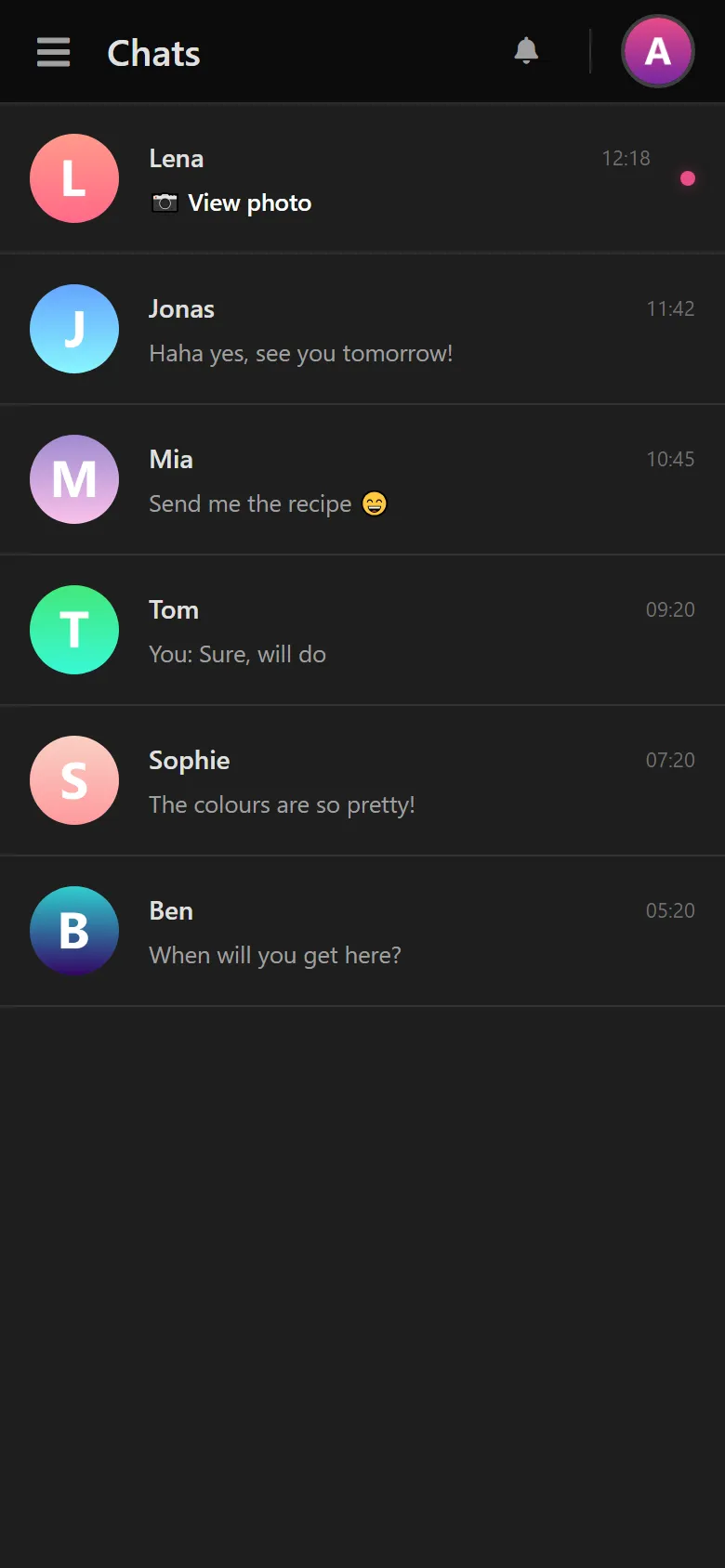
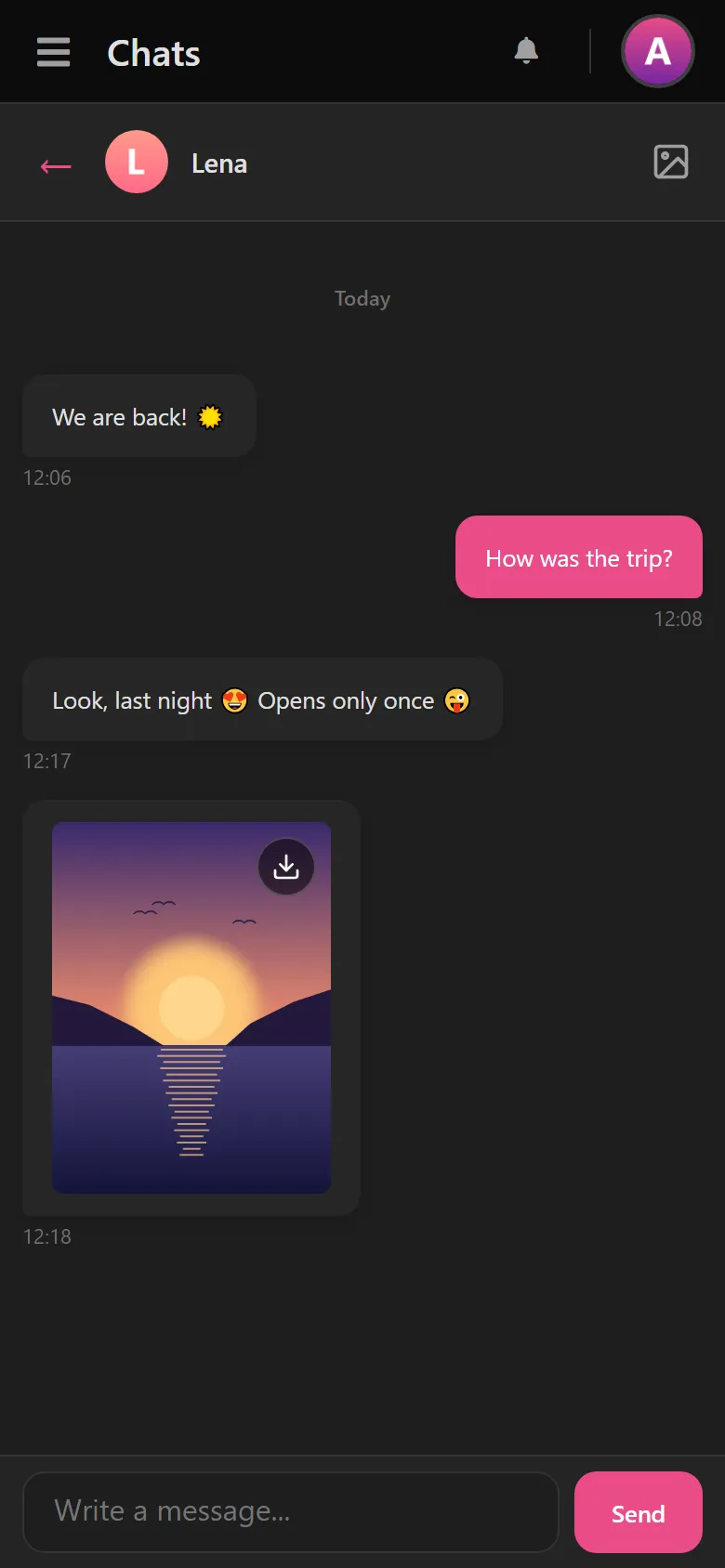
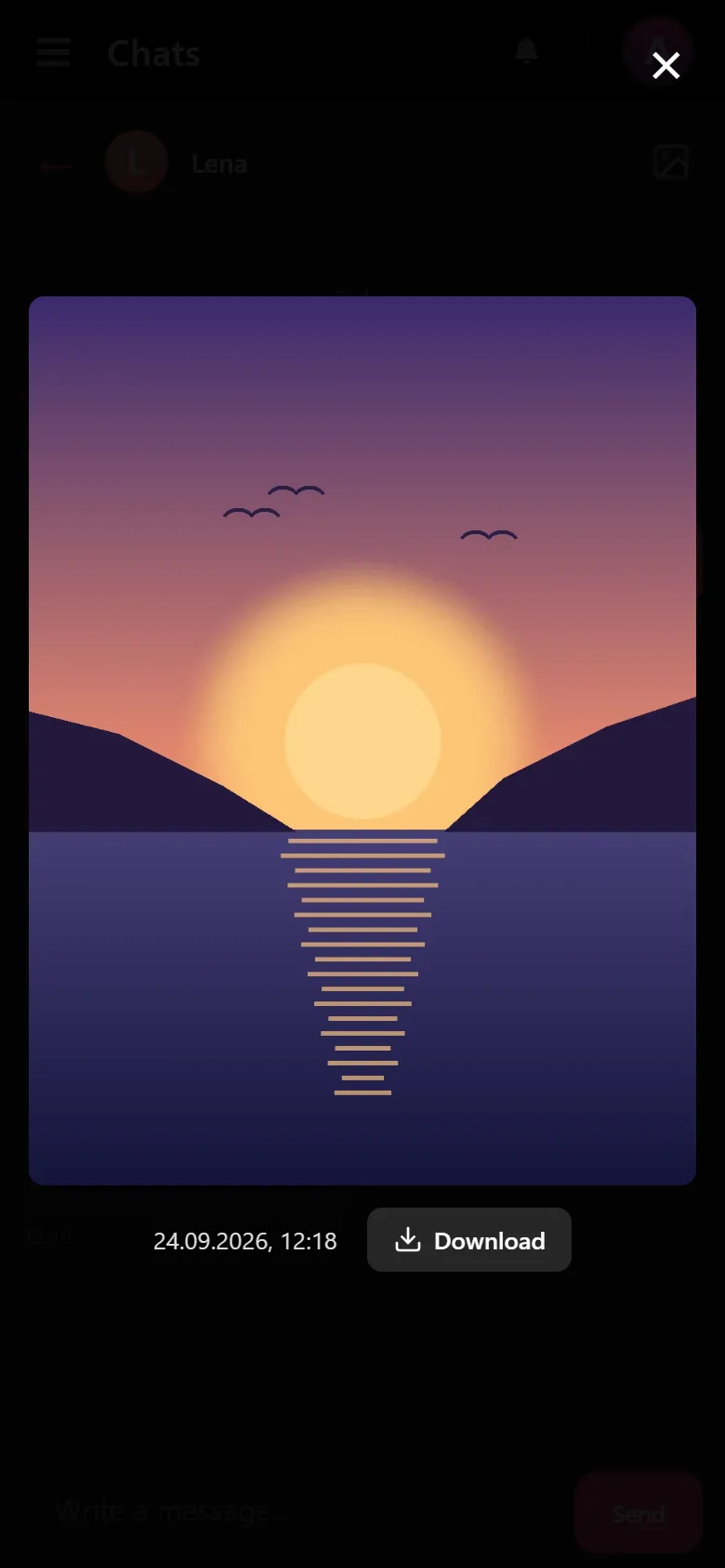
What Save View Once can do
Photos and videos
View Once photos and videos from your direct messages.
The sender won't notice
No notification and no read receipt.
The original as a file
Better quality than any screenshot.
Regular chats too
You can view and download regular messages, photos and videos the same way.
No app
Runs in the browser on your phone, tablet and PC.
Ready in 2 minutes
Create an account, connect Instagram, done.
Screenshot or Save View Once?
With View Once photos, a screenshot usually isn't the answer.
| Save View Once | Screenshot | |
|---|---|---|
| Works with View Once photos | yes | usually not, Instagram shows a message |
| What you get | the original file | a picture of your screen |
| Sender gets notified | no | can happen |
| View Once videos too | yes | no |
View Once photos on Instagram – what you should know
What are Instagram View Once photos?
When sending a photo or video in a direct message, the sender can choose "View Once". The image can then be opened exactly one single time – after that, Instagram deletes it automatically and irreversibly. It doesn't land in your gallery, it doesn't appear in the chat history, and it can't be requested again. Catch the wrong moment or tap it away by accident, and the content is lost forever.
How can you save View Once photos anyway?
The classic route – a screenshot – fails twice on Instagram: in newer app versions it's no longer possible at all for View Once content, and where it still works, the sender gets a notification. Save View Once takes a different approach: you open the chat in the smartFollower dashboard instead of the Instagram app and see all the content there – including the View Once photos. From there you download them directly as a file, before they've ever been opened in the app. No screenshot, no loss of quality, no notification.
Who is Save View Once for?
For anyone who doesn't want to lose important moments: the photo from your partner that would be gone after a single look. The funny video from the friend group that you'd love to keep. Or simply the peace of mind of being able to look at an image calmly, without the clock running. Please keep this in mind: treat other people's content with respect – saved images are meant for your private use and must not be shared without consent.
More than just View Once photos
With the Basic plan you get, alongside Save View Once, full chat access to read and search your direct messages, a smart account analysis with daily insights, and unlimited downloads on all devices. On top of that you can use all the free tools like InstaZoom, the Story Viewer and the downloaders for reels, posts and videos without any limit. As of 2026.
More on this in the blog: What you can still do after opening, what the sender sees and where you stand legally
What a customer says on Trustpilot
“I've tried quite a few providers in this space, but smartfollower.com is in a league of its own. […] Connecting Instagram was incredibly fast and smooth. No long wait, it just works right away.”Read the full review on Trustpilot
Using smartFollower? Your review helps others decide.
Rate us on TrustpilotFrequently asked questions about Save View Once
Does the sender notice that I've saved their View Once photo?
No. You open the View Once photo in the smartFollower dashboard instead of in the Instagram app. The sender doesn't get a notification or a read receipt, not even when you download the photo.
Does the sender get a notification when I take a screenshot?
In the Instagram app: yes, if the screenshot goes through at all. In newer app versions Instagram no longer allows screenshots of View Once photos and shows a message that it isn't possible instead; in older versions the sender is notified instantly. That's exactly why Save View Once exists: you save the original as a file, with no screenshot at all.
Can I view a View Once photo again after I've already opened it?
No – content you've already opened in the Instagram app is deleted irreversibly by Instagram. Save View Once can't recover it either at that point. So the rule is: open new View Once photos in the smartFollower dashboard first and save them there before you tap them in the app.
How long does it take to set up Save View Once?
Less than 2 minutes. Sign-up, connecting your account and saving your first View Once photo – all done in just a few clicks.
Do I need to install an app on my smartphone?
No, Save View Once is a web application and runs right in your browser. You can use it on computer, tablet or smartphone – without any download or installation.
Are my Instagram login details stored permanently?
Your Instagram login details are transmitted encrypted and only used for the active connection. We don't store passwords or downloaded media files permanently on our servers.
Which Instagram content can I save with Save View Once?
All View Once photos and View Once videos from your Instagram direct messages. In addition, you can also see regular chat messages, photos and videos and download them.
Can I use Save View Once on my phone too?
Yes, Save View Once is fully mobile-optimized. Just open the website in your mobile browser (Chrome, Safari, Firefox, etc.) and use all the features just like on desktop.
Don't lose the next View Once photo again?
Set up Save View Once in a few minutes – the first 7 days free, then €7.99 a month.
Try free for 7 days